A Guide to Building a Secure, High-Efficiency Internal Render Farm

Cloud rendering services offer scaling on demand, but paying high hourly rates for public cloud compute isn’t always practical. For growing visual effects and animation studios, building an internal farm from existing gear is often the smartest financial choice. You get full control over data security while keeping total cost of ownership low.
Setting up an on-premises compute cluster takes deliberate planning across network design, software management, and local security protocols. Here is how to build a reliable local setup without breaking your budget.
Secure Your Network and Client Data First
Before connecting render nodes, lock down your network architecture. Protecting unreleased client assets requires strict isolation from outside access.
Disconnect your main render subnetwork from the public internet entirely. Keep management nodes accessible only through internal administrative channels. Set up strict, role-based access permissions on storage drives so local machines only read and write to designated project directories. To avoid downtime from localized grid failures, deploy automated local backup scripts that snapshot current queue states and saved frames to secure local drives every hour.
Strengthen Core Storage and Network Pipelines
A heavy local network bottleneck will stop even the fastest hardware. Heavy scene files, high-resolution textures, and complex cached simulations put massive pressure on local bandwidth during peak rendering cycles.
Equip your central NAS or SAN storage with fast NVMe drives and multi-gigabit network interfaces. Every render machine needs simultaneous, high-speed read access to prevent drive read timeouts. Swap out legacy network switches for high-throughput enterprise hardware and run certified CAT6A or fiber cabling. Finally, enforce absolute, strict asset path rules across all art workstations. Explicit UNC paths prevent missing textures, broken plugin links, and fatal node crashes during midnight runs.
Audit and Repurpose Existing Hardware
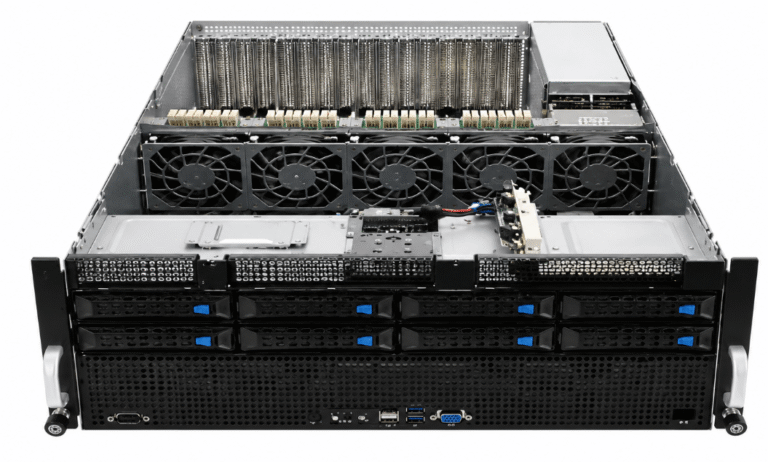
You probably do not need to buy dozens of costly new server blades to expand capacity. Look around your studio after regular business hours; your workstations are likely sitting unused.
Audit every artist PC to aggregate idle GPUs and multi-core CPUs into your pool for effective network rendering. Combine this horsepower with a dedicated, highly stable manager node equipped with generous RAM and reliable power supplies to host your queue server. Utilizing your own hardware yields massive cost savings over immediate cloud outsourcing, letting you reinvest budget directly into client production.
See also: How Technology is Transforming Healthcare Systems
Deploy Queue Software and Smart Automation
Hardware is only half the battle; smart orchestration makes it perform. Select queue management software like Deadline or Tractor to distribute frame workloads effectively across your mixed hardware environment.
- Off-Hours Scheduling: Configure automated balancing scripts to automatically recruit artist workstations when machines sit idle at night, returning full control to the user during standard morning hours.
- Automated Error Triggering: Set up intelligent detection parameters that catch missing output files or memory crashes, automatically resetting failed frames on secondary nodes without requiring human supervision.
Building an internal farm requires focused upfront work, but the payoff is substantial. By securing your local network, structuring your storage paths, and tapping into idle studio machines, you create a powerful engine for demanding client deadlines.